

Prerequisites
If you have not yet provisioned a cluster on one of the cloud providers, check out one of the links below to get startedProvisioning on AWS
Provisioning on Azure
Provisioning on GCP
Select an instance type
- Select the
Infrastructuresection on the left side of the dashboard - Select the
Configurationtab
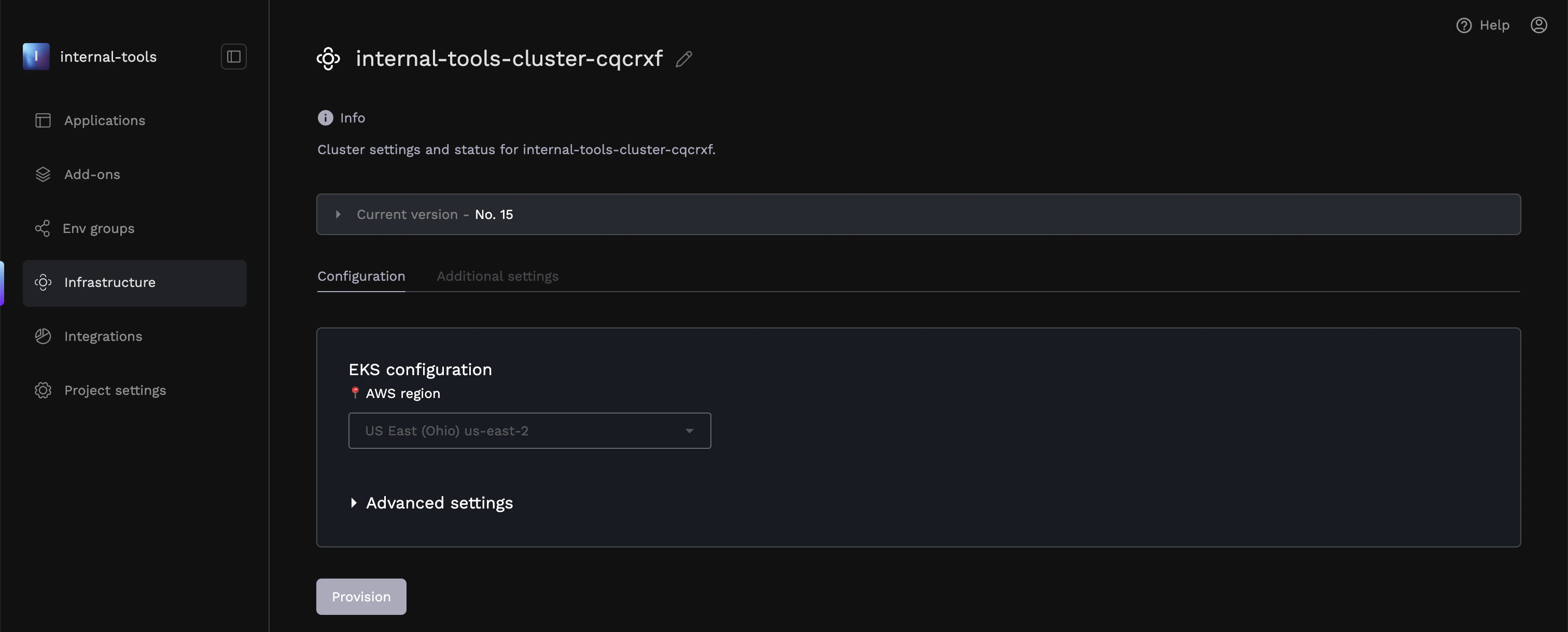
- Expand the
Advanced Settingsdropdown
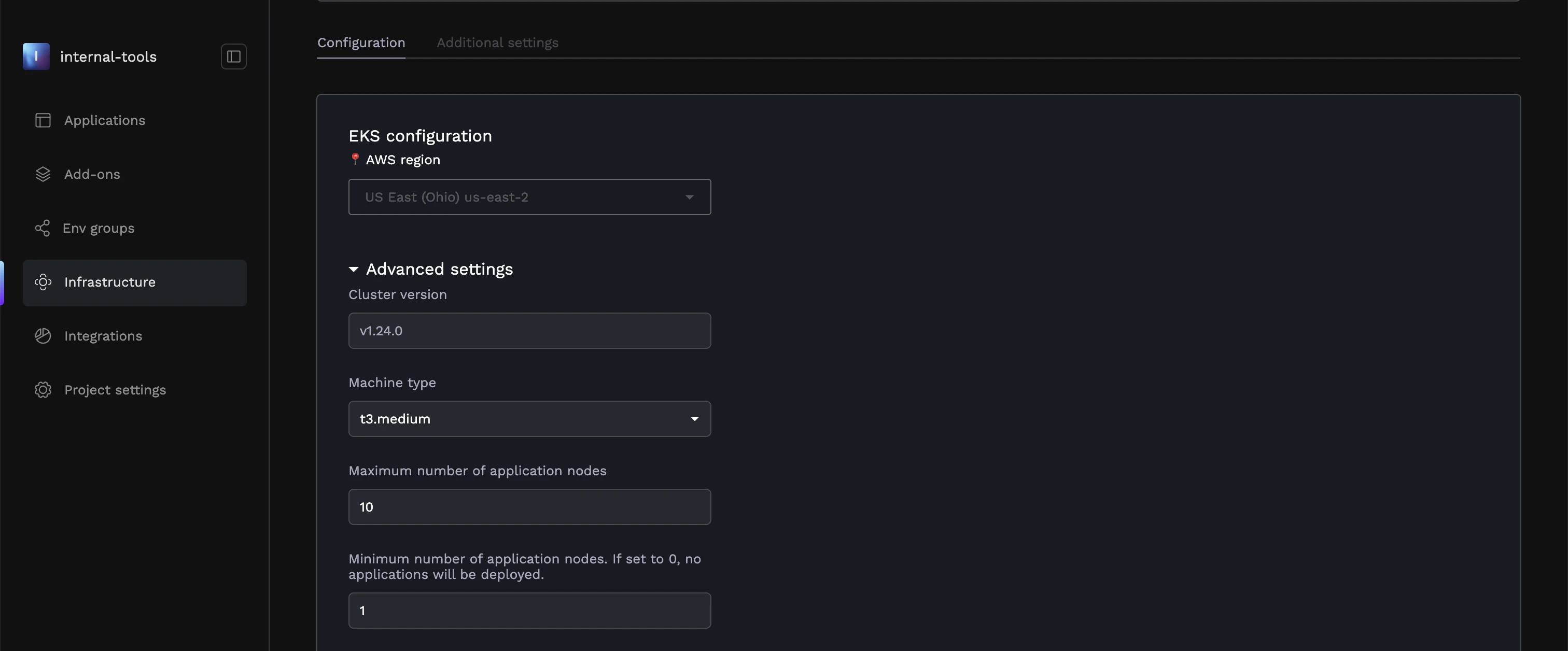
- Cluster Version - the version of the underlying Kubernetes cluster.
- Machine Type - The underlying instance of the nodes that your applications are running on. The options here will vary per cloud provider.
- Maximum number of nodes - The maximum number of nodes that your cluster will autoscale to under high load.
- Minumum number of nodes - The minimum number of nodes that your cluster will autoscale to under low load.
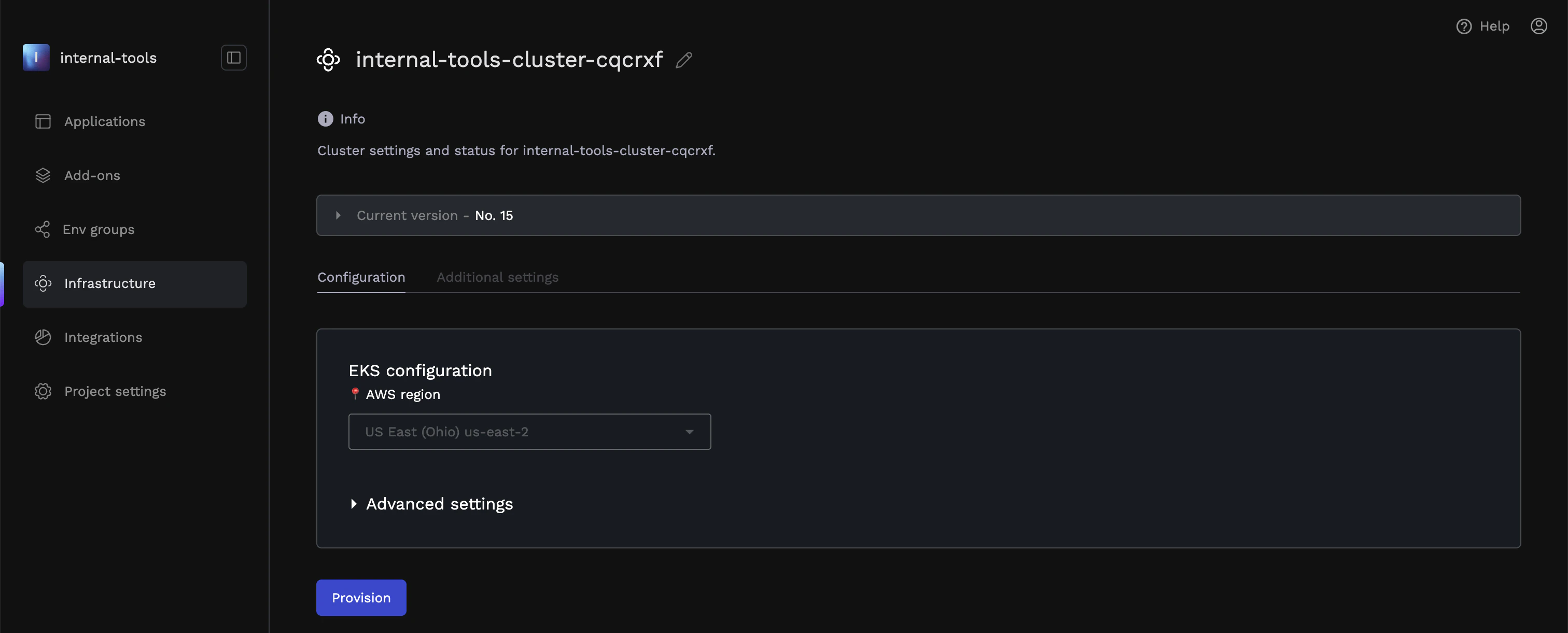
- Select the appropriate Machine Type from the dropdown, then scroll to the bottom of the page, and click
Provision.
- For more information on each cloud provider and their specific instance types, see our FAQ at the bottom of this page